


As the back-to-school season approaches, many students are considering purchasing a new Mac to support their academic journey. However, navigating the various models and configurations available can be overwhelming. To help you make an informed decision, we’ve compiled this comprehensive guide that covers everything from selecting the ideal Mac for your needs to securing those essential student discounts.
How to Choose the Right Specs for Your Mac


(Image credit: Apple)
When choosing a Mac, it’s essential to consider several key specifications: the chip, memory, storage, color options, and any additional features you might want, such as display coating or power adapter options.
The chip is fundamentally the heart of your Mac, influencing its overall performance. The latest models feature chips like the M3 Ultra, with various other options, including the baseline M3 and Pro series which offer enhanced computing capabilities. Generally, more powerful chips will handle more complex tasks efficiently.
The chip tiers include:
- Baseline options (e.g., M5, M4, M3)
- Pro chips (e.g., M5 Pro, M4 Pro)
- Max chips (e.g., M5 Max)
- Ultra chips for desktop Macs (e.g., M3 Ultra).
For most students, baseline chips are sufficient for tasks like essay writing and internet research, while Pro and Max chips are ideal for users who require higher computational power for graphics-heavy applications!
Next, consider memory. Depending on your tasks, you may want 8GB for light use or 16GB for more demanding workflows. Note that some memory amounts may require upgrading to a more powerful chip.
Lastly, storage varies greatly depending on personal needs. If you manage large files or often work with multimedia, opting for more storage is advisable, as upgrading after purchase can be challenging.
How to Get Apple’s Student Discount
(Image credit: Apple)
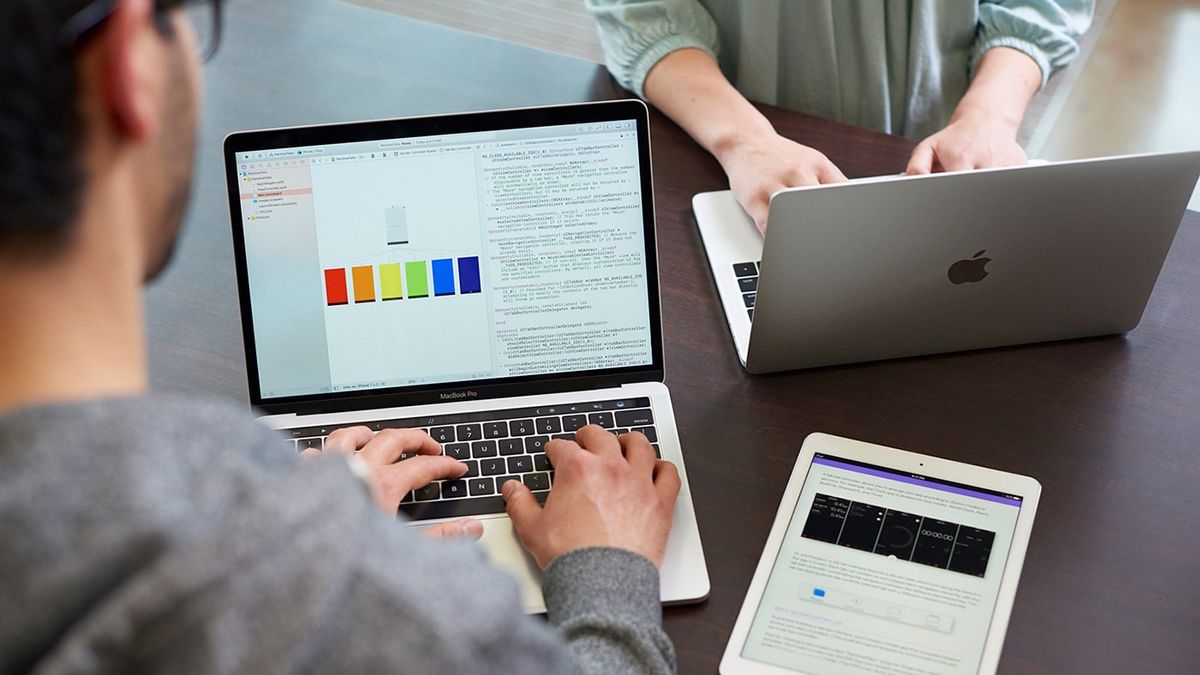
Apple provides special pricing for students, teachers, and educational staff through its education store. For example, the MacBook Neo is available at $599 for eligible buyers—down from $699. To verify your student status, you can do so online or visit an Apple Store.
Discounts extend beyond just Macs; they include:
- iPads and select accessories
- Apple Watch
- AppleCare+ for various devices
Look for the mortarboard icon online, indicating discounted products. The education store provides the same features as the regular store, allowing for personalized configurations and trade-ins.
The Three Best Macs for Back to School

(Image credit: Apple)
For students, we recommend three exceptional Mac models: the MacBook Neo, MacBook Air, and MacBook Pro. Each of these laptops is well-suited for on-the-go learning and daily academic tasks.
MacBook Neo
(Image credit: Future)
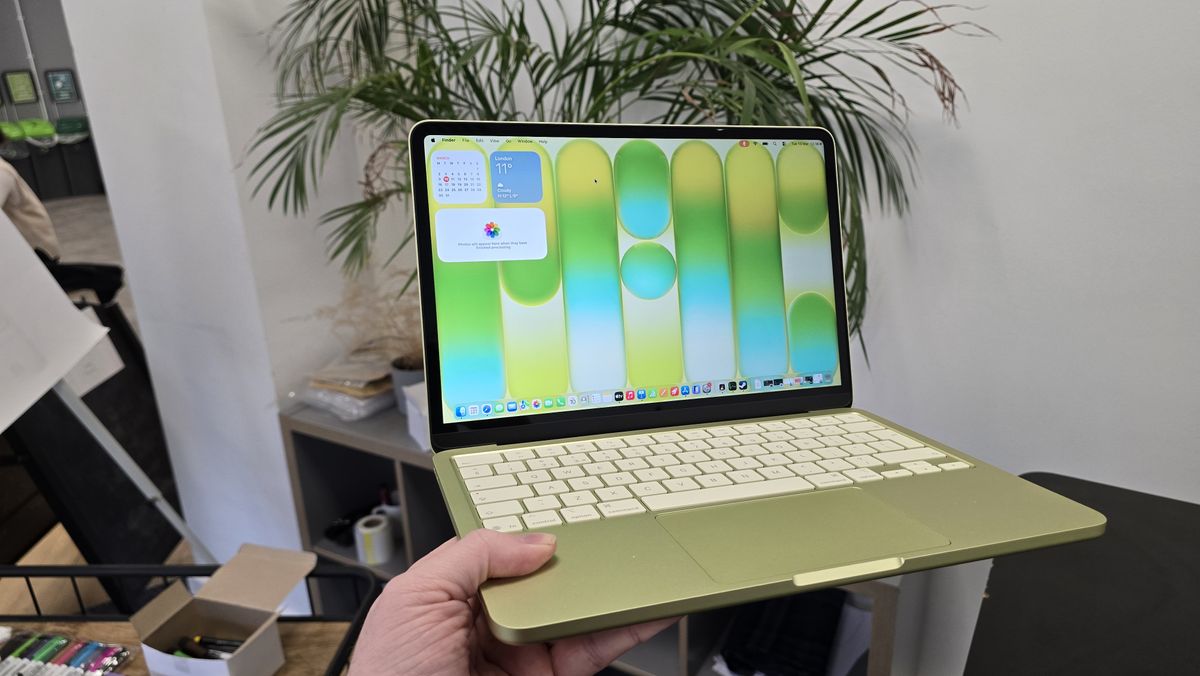
The MacBook Neo is an affordable and efficient choice, featuring 256GB storage and an Apple A18 Pro chip for just $599 through the education store. It’s perfect for students mostly focused on writing and research tasks. If needed, consider upgrading to 512GB storage, which also adds a Touch ID for additional security.
MacBook Air
(Image credit: Lance Ulanoff / Future)
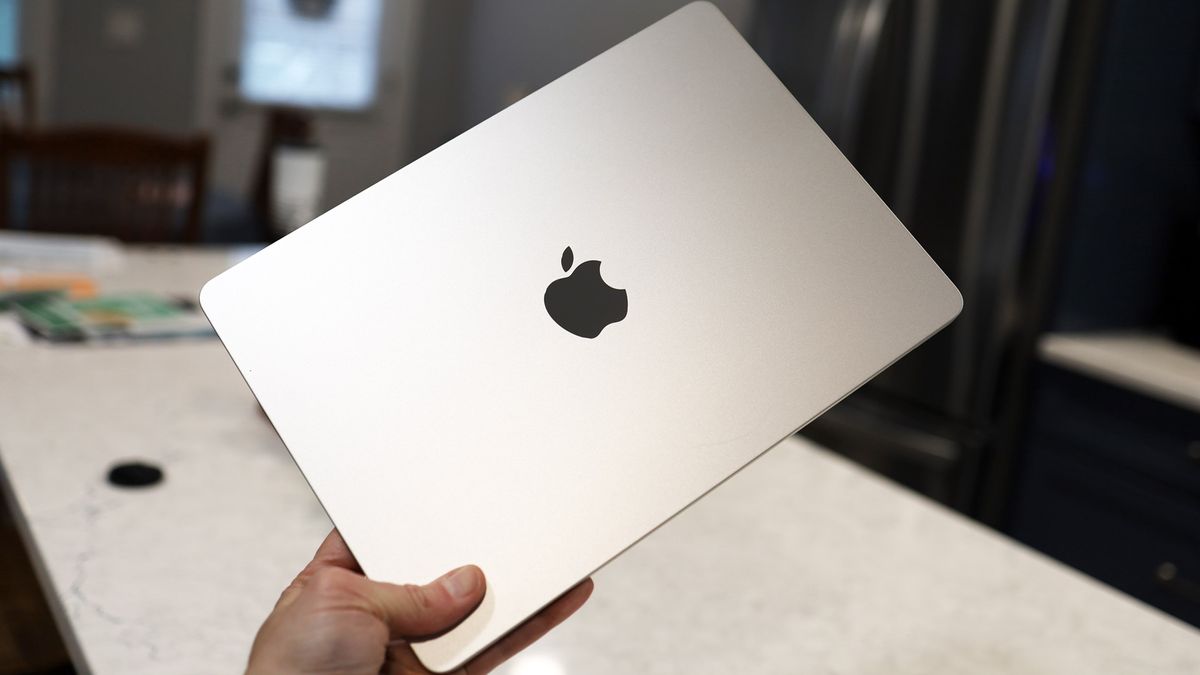
For a mid-range option, the 13-inch MacBook Air with the M5 chip is an excellent choice. Depending on your needs, select between options featuring an eight-core or a 10-core GPU. With configurations including memory options of 16GB, 24GB, or 32GB, it provides flexibility for various tasks.
Keep in mind that if you try to upgrade the storage later, it may not be straightforward, so assess your usage to decide on the right storage before purchase.
MacBook Pro
(Image credit: Future)
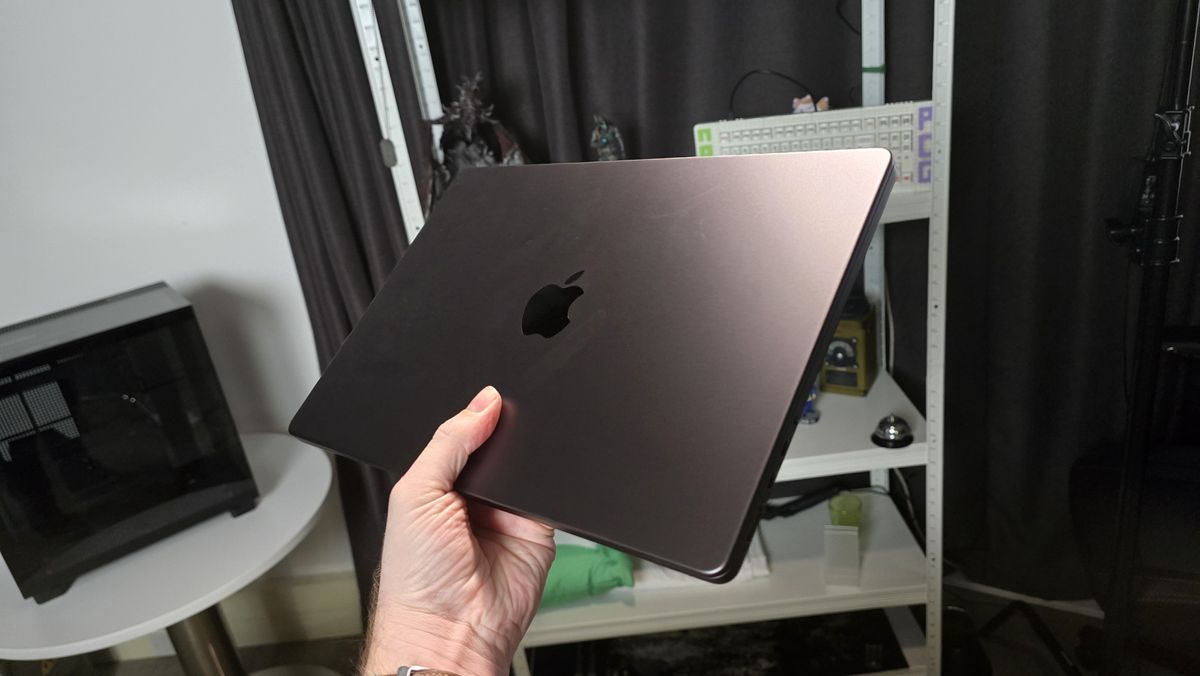
For students with demanding workloads, the MacBook Pro is a must-consider. The recommended starting point is the 14-inch model with an M5 Pro chip. Unlike the Air and Neo, the Pro has a strong cooling system, ideal for heavy computational tasks.
Choosing configurations such as memory options up to 48GB is wise for those who need extra performance. Similar to the other models, adequate storage is crucial, especially for users dealing with large files.
For more detailed insights and a deeper dive into which Mac suits you best, visit Here.
Image Credit: www.techradar.com


