


Revitalize Your Aging PC with Google’s ChromeOS Flex USB Kit
Last month, Google teamed up with Back Market to introduce a game-changer for aging PCs: the ChromeOS Flex USB Kit. Priced at just $3 / £3 (or €3 in Europe), this simple USB drive contains all the necessary ChromeOS installation files to transform almost any old laptop into a functional Chromebook within minutes.
The demand for this kit has been impressive, with reports from Windows Central indicating a rapid sell-out. While fresh stock is expected soon, the swift popularity of this plug-and-play solution for outdated hardware proves a point I’ve long advocated about Chromebooks and ChromeOS.


These lightweight laptops offer sufficient computing power for most users today, coupled with advantages over Windows and macOS that deserve more recognition. Below, I’ll explore what ChromeOS Flex is and how you can leverage it.
What is ChromeOS Flex Anyway?
The HP Chromebook Plus (Image credit: Future)
ChromeOS, the operating system specifically designed for Chromebooks, essentially combines the Google Chrome browser with a few additional features. ChromeOS Flex allows users to install this operating system on older computers, making it compatible with most Windows or Linux PCs, as well as Macs with Intel processors.
You don’t need the USB stick sold by Back Market to install ChromeOS Flex. If you have a USB drive on hand, you can easily create your own installation kit by following straightforward instructions available online. This DIY approach is not only free (aside from the USB drive’s cost) but also a fantastic way to keep using a laptop that’s become slow over time.
Many Windows and macOS laptops experience performance degradation over time, causing frustrating lag. Rather than contributing to the growing e-waste problem, installing ChromeOS Flex presents a more sustainable and efficient solution, thanks to its lower system requirements.
Unless you require specific desktop applications like Photoshop or Excel—both of which now offer web versions—you can accomplish virtually all your computing tasks within a web browser. Applications such as Gmail, Google Docs, and Spotify exemplify this trend, showcasing why ChromeOS is an increasingly viable option.
Why ChromeOS (and Chromebooks) Work
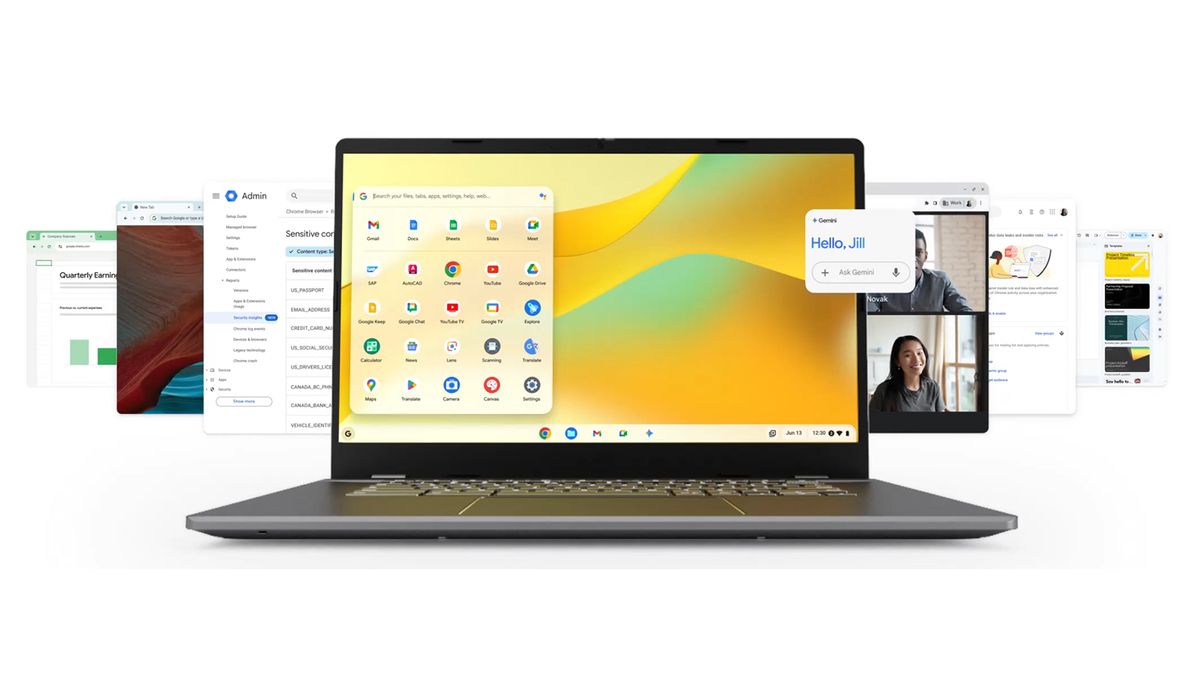
ChromeOS has a lot to recommend it (Image credit: Google)
Since its inception in 2011, Google’s Chromebook initiative received mixed reviews, primarily due to its perception as a limited alternative to Windows and macOS. Critics questioned the utility of a laptop that essentially functioned as a Chrome browser. However, I’ve always been an advocate for the ‘less is more’ philosophy, which remains applicable to Chromebooks today.
Availability of Wi-Fi is now nearly universal, and when it isn’t accessible, users can utilize mobile hotspots. Moreover, applications like Gmail and Google Docs offer offline functionality, allowing work to continue without an internet connection. To some extent, the same critique applies to traditional operating systems, as many tasks now revolve around internet connectivity.
A Chrome-centric computer presents numerous benefits: speed, minimal performance decline over time, automatic backups, and no concern over background processes or system bloat. Updates and upgrades are seamless, contributing to my continued use of ChromeOS since its launch.
The Chromebook Present and Future
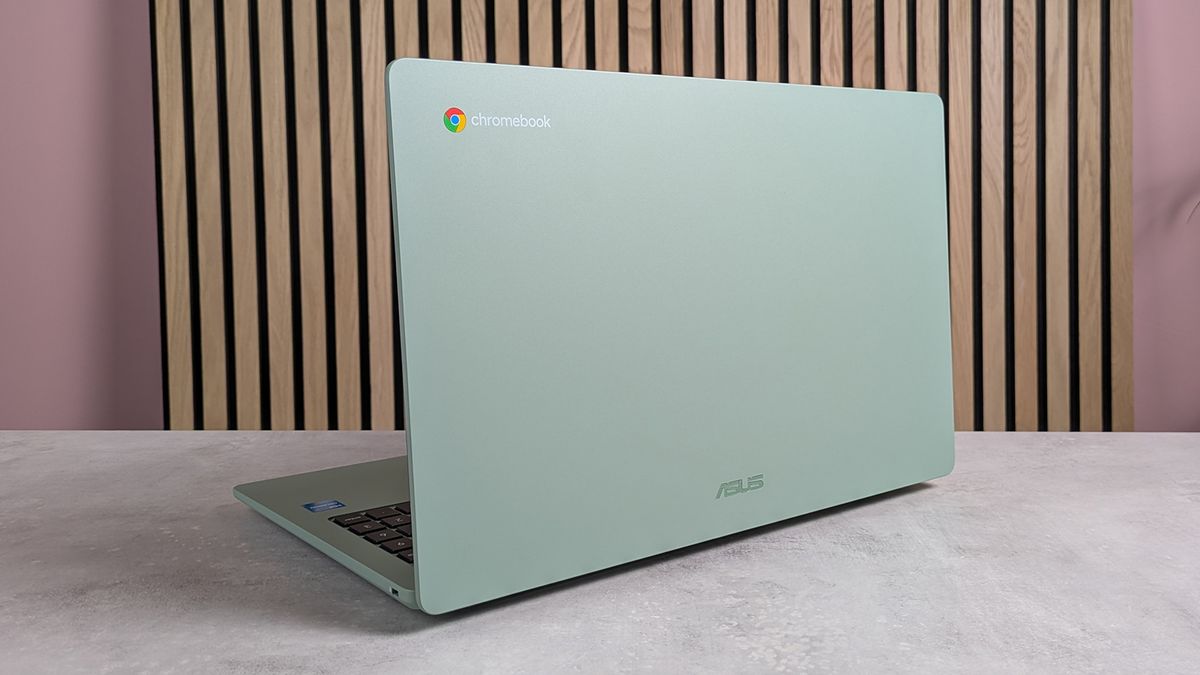
The ASUS Chromebook CX15 (Image credit: Future)
Despite my affection for Chromebooks, their sales beyond the education sector have been modest, albeit boosted by the recent buzz surrounding the ChromeOS Flex USB Kit. Google seems to be positioning toward an evolution of the platform, with potential shifts on the horizon.
The ‘less is more’ ethos that classically defined ChromeOS has seen some dilution with the introduction of Android app support on Chromebooks. While this enhances functionality, it introduces potential for app bloat and the need for more maintenance.
Rumored developments, such as Google’s Aluminium OS, suggest the company aims to merge Android features with ChromeOS later this year. The exact implications of these changes remain uncertain, and there are concerns over possible compromises to ChromeOS’s simplicity.
For now, exploring ChromeOS Flex is a highly recommended option for those looking to breathe new life into old laptops, or you may consider investing in one of the best Chromebooks available. The experience of simplicity and user-friendliness may offer a refreshing change from traditional Windows or macOS systems.
Follow TechRadar on Google News and add us as a preferred source to get our expert news, reviews, and opinion in your feeds. Make sure to click the Follow button!
And of course, you can also follow TechRadar on TikTok for news, reviews, unboxings in video form, and get regular updates from us on WhatsApp too.
Today’s best Chromebook deals
For further insights on this topic, click Here.
Image Credit: www.techradar.com


