


You Can Spend Hours Choosing the Best Laptop, But What About the Software?
You can spend hours choosing the best laptop, comparing processor options with the display and wondering how long the battery will last.
Then you switch it on and discover another part of the experience that rarely enters the buying decision: the manufacturer’s preinstalled software, often billed as tools to help optimize your device.


Sometimes, they earn their right to come pre-installed. The pre-installed software might be where you change performance mode or cap the battery charge, alongside model-specific settings Windows 11 simply doesn’t offer.
Latest Videos From
TechRadar
The strange part? How much bigger the role of pre-installed software (sometimes called ‘bloatware’) has become. A simple utility can now feel like another software layer sitting on top of Windows 11, with launchers and user accounts jostling with the settings you actually want.
And because some of those controls are legitimately important, uninstalling the whole thing isn’t always an option.
You May Like
(Image credit: TechRadar)
Windows 11 Can’t Actually Control Everything on Your Laptop
For all the settings tucked inside Windows 11, there are still plenty of things it can’t manage on its own.
And this isn’t just a gaming laptop quirk. On supported Asus models, MyASUS handles things such as Battery Care Mode and model-specific fan profiles that Windows 11 doesn’t offer.
Gaming laptops simply take the idea much further.
Take the Alienware 16X Aurora. Alienware Command Center offers several performance settings, and in our testing, its ‘Overdrive’ mode pushed the fans harder while making use of the laptop’s Cryo-Chamber cooling system.
None of that feels especially unreasonable.
What to Read Next
Laptop makers know how their own hardware is designed to behave, and a dedicated utility gives them somewhere to offer controls that would otherwise be buried in the BIOS or unavailable altogether.
The problem starts when that useful little control panel begins acquiring ambitions of its own.
Many of these apps now go well beyond looking after the laptop itself.
Armoury Crate still gives Asus ROG owners useful controls over performance and cooling, but it also has a user account system and optional content services alongside its device settings.
Lenovo’s Legion Space pushes the idea further, putting thermal controls alongside a game store and its AI-powered Gaming Zone. On supported machines, HP’s Omen Gaming Hub mixes fan and graphics controls with a game library and GeForce Now.
Taken one by one, most of this is easy to defend. Put it all in the same app, though, and the hardware settings start to feel like one part of a much larger product.
If I open software to quieten the fans, for example, I’m probably not also looking for a new game or a giveaway.
(Image credit: MSI)
The Worst Part is That You Actually Need It
With ordinary pre-installed software, there’s an obvious solution if you don’t want it: uninstall it. Laptop software made by the manufacturers themselves is harder to shake because some settings can make a real difference in how the machine behaves.
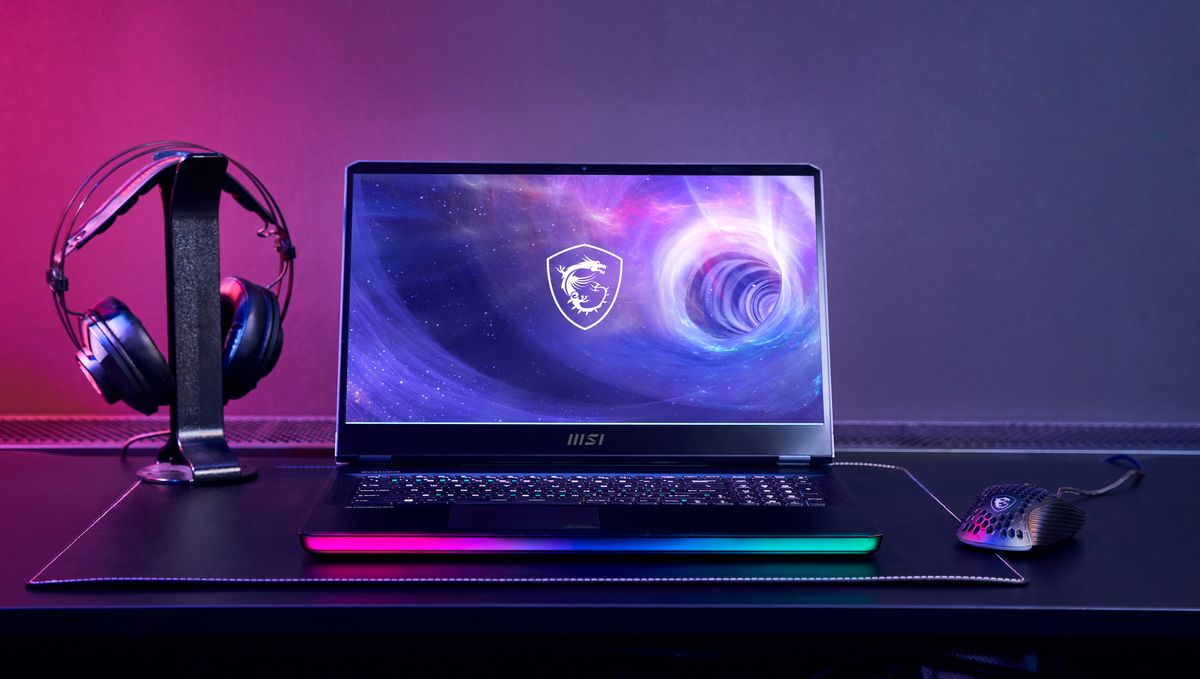
Our MSI Raider 16 Max HX review shows why this gets awkward. The laptop comes with a fair amount of bundled software, yet MSI Center itself gives you useful access to performance presets and RGB controls.
Wiping out every manufacturer utility for a cleaner Windows 11 install can take useful features with it. However, some laptops do have alternatives.
G-Helper is an open-source option for Asus machines, offering access to performance and GPU modes, battery charge limits, and other hardware controls in a lightweight app. Its built-in performance modes use the same firmware presets as Armoury Crate.
You don’t have to be comfortable swapping official software for a community-made utility to see the appeal. G-Helper’s existence shows that granular laptop controls can live in a focused tool rather than a whole, often bloated, ecosystem.
(Image credit: Microsoft)
Microsoft Bears Some Responsibility Too
Some of this starts with gaps in Windows 11 itself. Smart Charging exists on compatible devices, for example, but there’s no universal control for choosing a fixed charge limit – Microsoft says each manufacturer implements the feature differently.
Microsoft has already shown what a more standardized approach can look like.
Dynamic Lighting is a good example: compatible RGB hardware can now be controlled directly through Windows 11, rather than relying entirely on separate manufacturer utilities.
Fan tuning and firmware are much more specific to each machine, so manufacturer software isn’t going away.
But every common control Windows 11 can standardize is one less reason a laptop needs its own parallel settings software – and that would mean less bloat preinstalled on our devices.
(Image credit: Future / James Holland)
Laptop Software Needs to Become Boring Again
Maybe the real problem is that these apps have become something you even need to think about. A good pre-installed app should make the laptop easier to live with, then stay out of the way until you need it again.
MSI Center at least gets some things right: it’s modular, so you can install only the features you want rather than loading everything by default.
Switch brands, though, and even familiar jobs can move somewhere completely different. A ‘quiet’ fan mode that takes seconds to find on one laptop might be buried under different terminology on the next.
Software like this probably deserves more consideration in laptop reviews, too. It won’t rescue poor battery life or a bad keyboard, but if you rely on it to change how the laptop behaves, it’s part of the product you bought.
I don’t want laptop makers to stop building these tools. I just want them to remember what they’re for: helping me use the laptop I already bought.
Image Credit: www.techradar.com


