


Choosing a laptop for college is an important decision. You’ll use it almost every day for classwork, studying, and unwinding in your downtime – so I definitely wouldn’t go rushing into a purchase.
There are a few key factors to remember when choosing a laptop for college that will steer you in the right direction. I’ll dive into them more later in the article, but the main ingredients to keep in mind for your new laptop are: budget, processing power, portability, battery life, and storage.


These are the do’s and don’ts of buying a new laptop for college.
Do keep your budget and coursework in mind
(Image credit: Shutterstock/Standret)
Despite how easy it would make the choice, there’s no one-size-fits-all ‘best’ laptop for college students.
The major and curriculum path you’re pursuing (along with your budget) will determine how much processing power you should look for when purchasing. For example, if your coursework will mostly consist of taking notes, drafting essays, studying, and using a platform such as Canvas, then there’s really no need for you to splurge on the latest MacBook Pro – unless you have hobbies outside of school that could benefit from the extra horsepower – when you could get something like a Chromebook.
If you haven’t checked in on the Chromebook lineup after writing them off some time ago, I think you should give them another chance.
(Image credit: Future)
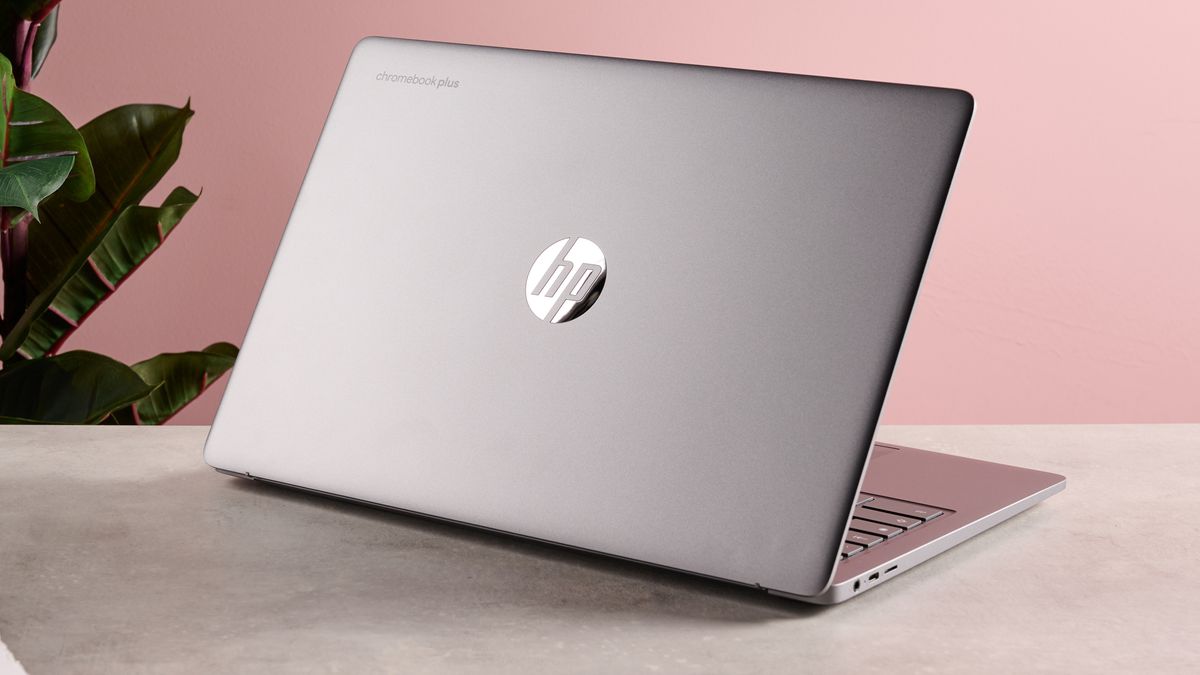
They’ve improved leaps and bounds over the last few years, and there are some fantastic options you can find for well under $1,000 such as the HP Chromebook Plus 15.6-inch (2025) that tick off a lot of important boxes when it comes to student laptops.
They’re portable, typically pretty power-efficient (the HP Chromebook Plus 15.6-inch lasted 10 hours and 41 minutes playing a 1080p video on loop), and offer a balance between performance and affordability that you won’t find with many other laptops.
However, if you’ve chosen a major that requires CAD, photo and video editing, or software development, you’re a good candidate for something with a little more stopping power.
Don’t buy anything with less than 8GB of RAM
If you search up something along the lines of “laptops for college students” on Amazon, you’ll find some solid deals, but you’ll also find a lot of $200 paperweights. If you’re considering a laptop with 4GB of RAM and 64GB of storage space, I’d highly recommend you reconsider.
While the price tag may look enticing at first glance, you’re going to end up paying double the price and then some for a new laptop before you know it.
To put it simply, 4GB of RAM is a red flag. It just isn’t enough to keep up with the demand of a modern system anymore. Frankly, I’d reach for 16GB if the laptop you’re looking at has an option within your means.
Similarly, while a 64GB SSD may be enough storage space if you have a cloud storage plan, I’d opt for 128GB minimum to be safe. Your Windows installation alone would take a nice chomp out of a 64GB storage option.
Remember to look for at least 8GB of RAM and a 128GB SSD for storage space.
Do take a look at refurbished options
(Image credit: Apple)
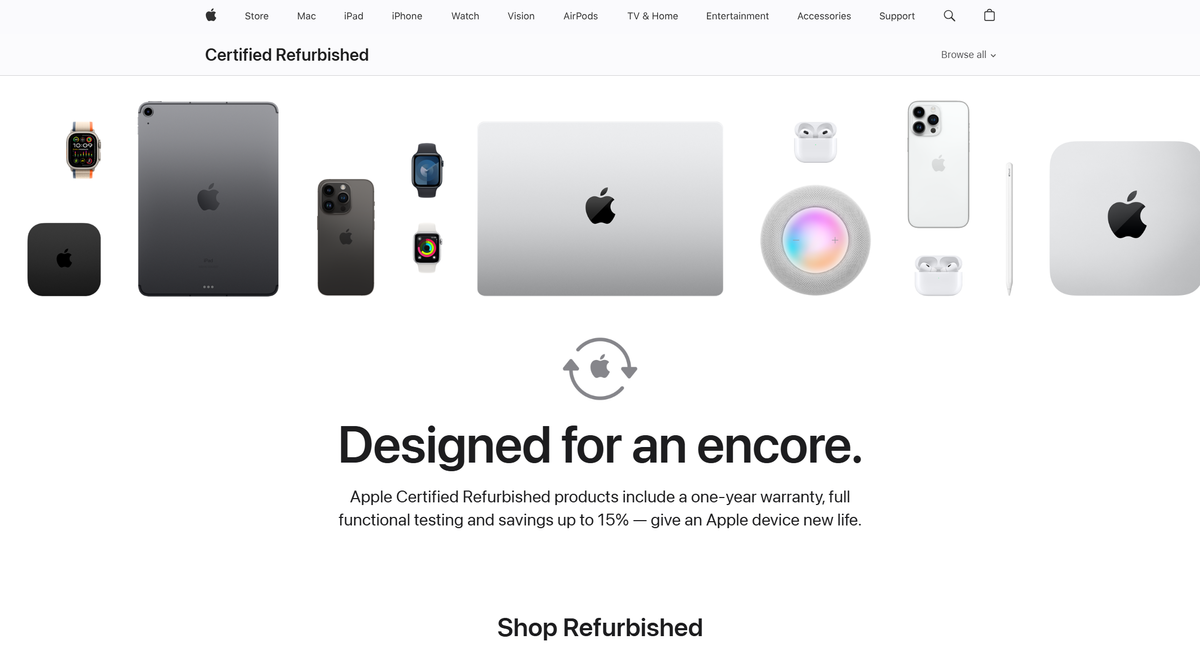
While buying a refurbished product from a third-party seller may seem like a bit of a gamble, there are plenty of options to buy refurbished laptops directly from the manufacturer.
If you’re after a MacBook, the Apple Certified Refurbished Store is the perfect place to hunt for deals. You can find Macs for hundreds of dollars off in great condition with the peace of mind knowing that it’s coming straight from Apple.
Of course, you can also check out the Microsoft Refurbished Store and Dell Refurbished Store for more deals.
Don’t forget about ports and Bluetooth
It’s easy to forget about them when you’re sifting through the sea of laptop tech specs and marketing jargon, but Bluetooth availability and the right ports are essential for making sure you’re well prepared at school.
If you’re in video or photography, an SD card reader will make file transferring quick and painless (whereas wireless transfer can take ages depending on the size of the photos or videos and the app you’re using).
Graphic design and digital art students will need a USB-A port or Bluetooth connectivity to use a drawing tablet for sketching.
Whatever your needs are, make sure you check the ports on the laptop you’re considering before committing.
If your top pick doesn’t have the Bluetooth connection or ports you need, you can solve the problem with a USB hub or Bluetooth adapter, but having the right ports you need from the jump is always easier.
Do consider what form factor you want
(Image credit: Future / John Loeffler)
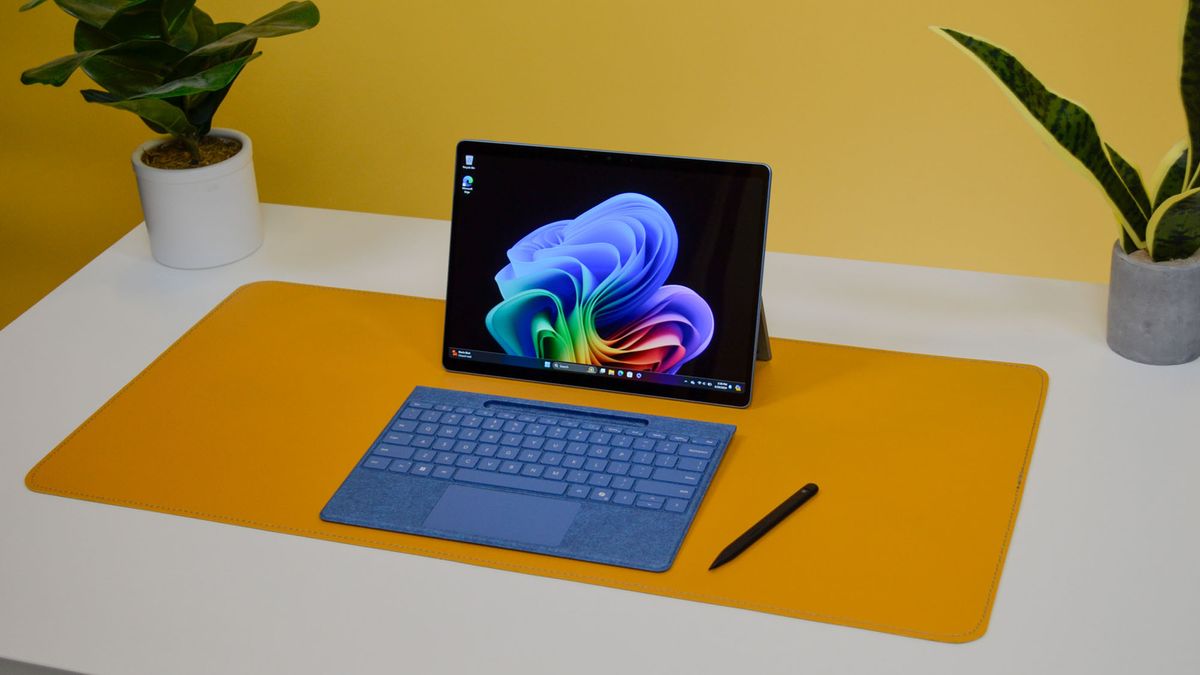
Laptops come in all sorts of shapes and sizes – do you want a small clamshell design that’s easy to bring to lots of classes? Or perhaps a 2-in-1 for a mix of note-taking, media enjoyment, and presentations? There are also detachable options like the Microsoft Surface Pro.
Consider how you’d like to use your laptop on a daily basis. If you only have a few in-person classes and you love watching movies, a 2-in-1 with a larger screen makes a lot of sense.
On the other hand, if you have multiple in-person classes to attend every week and portability is a main concern, a small clamshell design is likely your best bet.
Don’t get a laptop with meager battery life
It may be tempting to reach for an Nvidia-powered behemoth if you’re into gaming, or ignore negative reviews about battery life because of an affordable price, but between classes, studying, checking your email, social media… trust me, your laptop is going to be drained before you realize it.
Instead of having to lug a charger around all day and tether yourself to an outlet, opt for a laptop with a battery life of at least 10 hours. This way, you can focus on your studies without interruption.
And those are the main dos and don’ts of buying a new laptop for college. Keep these tips handy while you hunt for your new student laptop – they’ll keep you on the right track and help you make an informed decision on the best laptop for you and your studies.
You might also like…
For more details and insights, you can check out the full guide Here.
Image Credit: www.techradar.com


