


I’ll be honest: I’m a complete Apple Watch fanboy. I’ve been using Apple’s wearable for close to a decade, and I went from reluctant skeptic to total convert the minute I first borrowed a friend’s Watch to see what all the fuss was about. The device is, in my opinion, the best smartwatch money can buy.
That doesn’t mean it’s perfect, though. There are several aspects of Apple’s device that I’m less keen on, from the single-day battery life to the eye-watering price of its straps. And there are two Apple Watch annoyances that top my list of problems: the Wrist Flick gesture and Live Activities. Both are consistent sources of frustration in my day-to-day usage.


1. Wrist Flick
(Image credit: Apple)
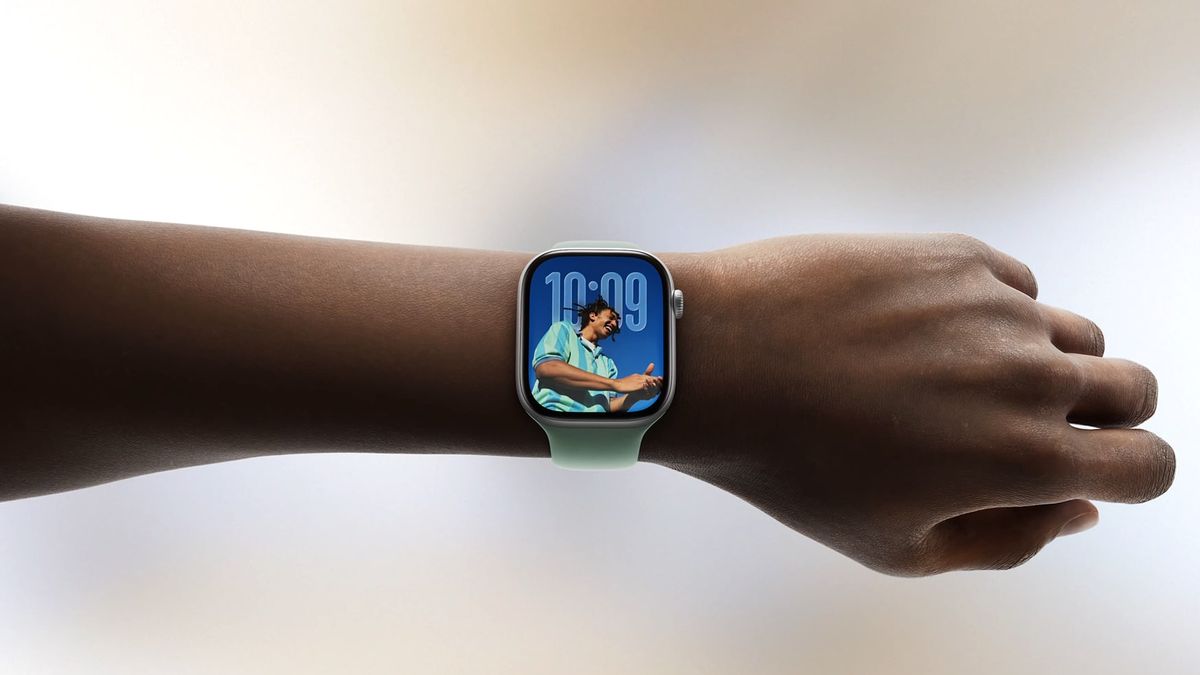
When it was introduced as part of watchOS 26 in summer 2025, the Apple Watch’s Wrist Flick gesture was pitched as a quick and convenient way to dismiss notifications with one hand. All it took, Apple said, was a speedy backwards flick of the wrist and any on-screen alert would be banished, all without the need to do anything with your other hand.
Yet in practice, I’ve found this gesture to be frustratingly flaky. Sometimes it just doesn’t register my action, leaving me repeatedly rotating my wrist as the notification stays firmly in place, mocking my plaintive irritation. Other times, I’ll raise my wrist to check the alert, but my Watch interprets this action itself as a wrist flick gesture, leading to the notification being dismissed when I in fact wanted to read it.
In other words, I often find that wrist flick doesn’t work when it should and does work when it shouldn’t.
Adding to the problem is its inconsistency. Wrist Flick is not always an issue for me – indeed, sometimes it works perfectly. Most of the time, raising my wrist to check a message does not accidentally invoke the gesture. Yet occasionally it does, with watchOS maddeningly misreading my intention.
That makes it very hard to determine if I’m doing something wrong or if the gesture is just a little buggy. I can never tell when it’s going to work and when it’s not.
Despite that, I love the idea behind it. Like watchOS’s Double Tap gesture, Wrist Flick is a great addition for those times when you’ve only got one free hand and still want to be able to perform an action on your Watch. Ultimately, though, it feels like it needs a little more time in the oven.
Hopefully, Apple will fix it up at WWDC. I don’t need a full-blown wrist flick overhaul. Just a little attention to make it more consistent.
Live Activities
(Image credit: Apple)
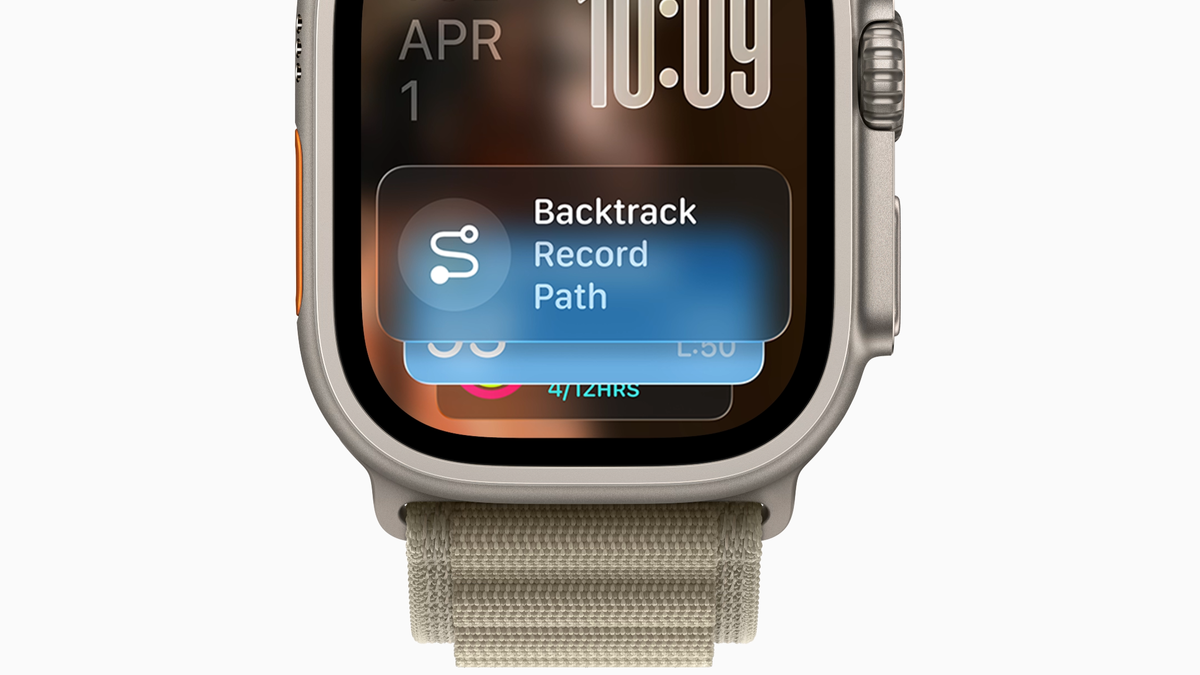
While I’m happy that my Apple Watch can forward texts from my iPhone, record my workouts, and start timers on the go, much of the time I just want to use it as a regular, everyday clock. Yet there’s one feature that frequently gets in the way of this: Live Activities.
If you haven’t used Live Activities in watchOS yet, the feature essentially acts as an automated mini app that mirrors ongoing activities from your other Apple devices. For instance, if you’re playing music in Spotify on your Mac, you’ll see a little Spotify ‘now playing’ widget appear on your Apple Watch.
The idea is to give you a way to control what you’re doing on your other devices without having to be physically present. In the Spotify example, you could pause your music from your wrist, even if you’re some distance away from your Mac.
That sounds pretty handy, and it frequently is. But my problem is with how Live Activities tend to take over your watch face – often without you even realizing.
I use an Apple Watch face with four of my favorite complications around its edge: the date, my Watch’s battery level, the temperature, and my activity rings. Tapping one of those complications brings up more detailed information. I prefer to have my Watch face displaying most of the time for quick access to these complications.
However, the widgets launched by Live Activities interfere with that. With a Live Activity taking over my Watch display, I have to dismiss it to access my complications, then bring it back to get the added functionality granted by Live Activities. It’s disruptive for how I prefer to work.
Moreover, Live Activities launch themselves automatically – you don’t bring them up manually. Because of that, I often forget they’re there. I’ll raise my wrist to check the time or tap a complication, only to find that the information I need is obscured by something that’s not even happening on my Apple Watch but is instead taking place on one of my other devices. This makes it feel like my Watch has prioritized something of less importance and relevance to me.
(Image credit: Future)
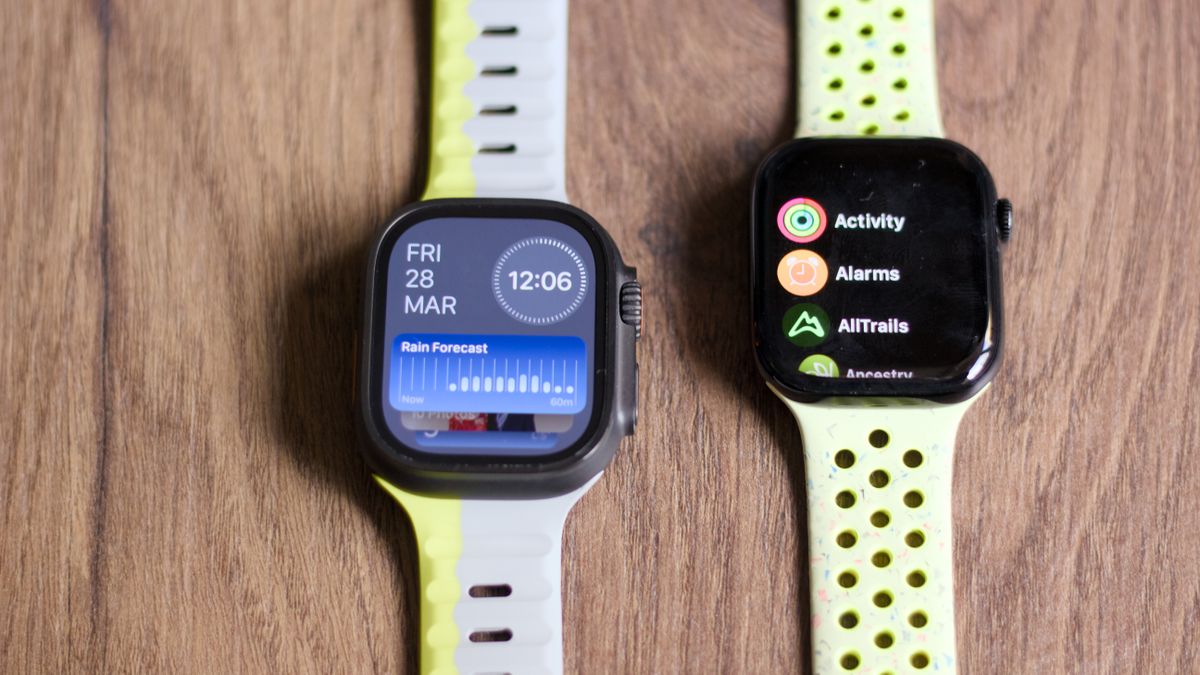
I’m aware that I can disable Live Activities on my Apple Watch – I wrote a how-to guide on disabling the feature, in fact – but the problem is that your only options are severely limited. Essentially, you can either switch off Live Activities entirely or leave them as they are. Yes, you can disable Live Activities on a per-app basis, but you can’t really change how they work. It’s an either-or, on-off situation, with little middle ground.
I would prefer to have an option that sits somewhere between full-blown screen takeover territory and a complete absence of Live Activities. I have an idea of how that could work.
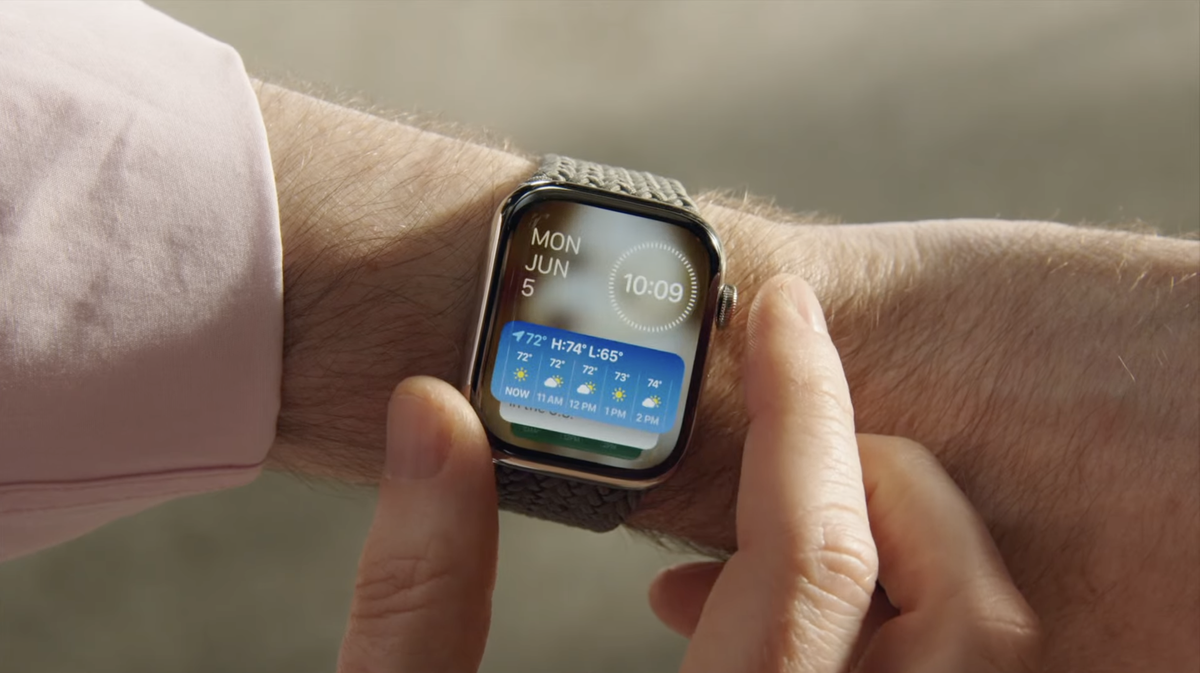
In fact, that idea comes straight from Apple in the form of Smart Stack hints. These are tiny icons that appear on your Watch when Apple thinks you might want them, such as a workout suggestion right when you’re about to start your daily 8 am jog. It’s arranged by harnessing artificial intelligence to predict what you might want to do with your Watch.
Why not take out the AI guesswork and expand these hints to Live Activities? When you start playing music on your Mac, your Watch could show a little Spotify icon at the bottom of your screen. One tap and the full Live Activity would launch. That would be a good compromise, allowing you to still get Live Activity functionality without the feature dominating your display.
(Image credit: Apple)
Now, before you tell me this already exists, I know that there’s a toggle called Auto-Launch Live Activities buried in the Apple Watch’s Settings app, and disabling this stops Live Activities from starting by themselves. However, doing this restricts the app that would otherwise trigger the Live Activity to a tiny icon at the top of your screen, which I find hard to hit half the time. Smart Stack hints, on the other hand, are a touch larger and therefore much easier to press.
Moreover, the existing situation – tapping the tiny icon at the top of your display – launches the full-blown Watch app. A Smart Stack hint, meanwhile, fires up a Live Activity, which often preserves important watch face information like the clock. Personally, I prefer the latter.
Making that idea a reality is something I’d love to see at WWDC. Apple has already laid the groundwork with Smart Stack hints; it just needs to open the system to Live Activities and tweak the feature.
Who knows, perhaps Apple will come up with something even better. For a company known for its intuitive software, I’m sure it can introduce something impressive. I’ll be watching with bated breath.
Follow TechRadar on Google News and
add us as a preferred source to get our expert news, reviews, and opinion in your feeds. Make sure to click the Follow button!
And of course, you can also follow TechRadar on TikTok for news, reviews, unboxings in video form, and get regular updates from us on WhatsApp too.
Today’s best Apple Watch Ultra 3 deals

For a detailed exploration of my thoughts on these features, check out the full article Here.
Image Credit: www.techradar.com


