By using this site, you agree to the Privacy Policy and Terms of Use.
Accept
The Tech DiffThe Tech DiffThe Tech Diff
  • Home
  • Shop
  • Computers
  • Phones
  • Technology
  • Wearables
Reading: “Essential RAM Guide: Determine Your Optimal Needs Without Overspending”
Share
Font ResizerAa
The Tech DiffThe Tech Diff
Font ResizerAa
  • Computers
  • Phones
  • Technology
  • Wearables
Search
  • Home
  • Shop
  • Computers
  • Phones
  • Technology
  • Wearables
Follow US
  • Shop
  • About
  • Contact
  • Terms & Conditions
  • Privacy Policy
© Copyright 2022. All Rights Reserved By The Tech Diff.
The Tech Diff > Blog > Computers > “Essential RAM Guide: Determine Your Optimal Needs Without Overspending”
Computers

“Essential RAM Guide: Determine Your Optimal Needs Without Overspending”

Admin
Last updated: December 24, 2025 8:31 pm
Admin
Share
“Essential RAM Guide: Determine Your Optimal Needs Without Overspending”
SHARE

RAM prices have risen to ridiculous heights over the past 6 months. It’s to the point where you may well be better off purchasing a prebuilt PC than trying to source the parts at reasonable prices yourself.

Contents
RAM Requirements for the Top 20 Most Popular PC GamesHow Much RAM Do I Need on My Laptop?How Much RAM Do I Have?

And with a looming GPU shortage coming in 2026, it’s only going to get worse for prospective PC builders.

-10% Lenovo IdeaPad Slim 3 Chromebook: Powerful Touchscreen & Storage!
Laptops

Lenovo IdeaPad Slim 3 Chromebook: Powerful Touchscreen & Storage!

$279.00 Original price was: $279.00.$251.10Current price is: $251.10.
Buy Now
HP 15.6” Laptop: Touchscreen, AI, Office 2024 & 1TB SSD!
Laptops

HP 15.6” Laptop: Touchscreen, AI, Office 2024 & 1TB SSD!

$439.00
Buy Now
-10% Power Up Your Studies: Huidun 2025 Laptop with 4K FHD!
Laptops

Power Up Your Studies: Huidun 2025 Laptop with 4K FHD!

$349.99 Original price was: $349.99.$314.99Current price is: $314.99.
Buy Now
Unleash Power: HP Victus 15.6″ Gaming Laptop – 144Hz FHD!
Laptops

Unleash Power: HP Victus 15.6″ Gaming Laptop – 144Hz FHD!

$25.00
Buy Now

So I decided to take a look at the 20 most popular PC games of the year (by player count) to determine how much RAM you actually need in your gaming rig. If the games on this list are available in your library and you meet at least the minimum recommended RAM, I’d strongly suggest holding off on any purchases until prices settle back down.

You may like

But if you just can’t wait to build or upgrade your PC (I know how exciting it is!), let this list act as a guide to your RAM purchasing needs.

Not a gamer? Skip ahead to the how much RAM do I need on my laptop section.

RAM Requirements for the Top 20 Most Popular PC Games

Game

Minimum

Recommended

Max

Fortnite

8GB

16GB

16GB

Roblox

1GB

N/A

N/A

Minecraft

2GB

4GB

N/A

League of Legends

2GB

4GB

16GB

Counter-Strike 2

8GB

N/A

N/A

Valorant

4GB

N/A

N/A

Overwatch 2

6GB

8GB

N/A

Apex Legends

6GB

8GB

N/A

Rocket League

4GB

8GB

N/A

Genshin Impact

8GB

16GB

N/A

PUBG: Battlegrounds

8GB

16GB

N/A

GTA: V (Enhanced)

8GB

16GB

N/A

Dota 2

4GB

N/A

N/A

Helldivers 2

8GB

16GB

N/A

Call of Duty: Modern Warfare 2 (2022)

8GB

12GB

16GB

Arc Raiders

12GB

16GB

N/A

Battlefield 6

16GB

16GB

N/A

Marvel Rivals

16GB

16GB

N/A

Path of Exile 2

8GB

16GB

N/A

Rust

12GB

16GB

N/A

Note: Statistics for this list were pulled from Steam’s “Top 100 played games by Daily Players” list and estimates from activeplayer.io’s “Top 15 Most Popular PC Games of 2025” list. They are not sorted by total player count. RAM requirements were collected from the system requirements sections.

As you can see from the table above, 8GB is by no small margin the most common minimum RAM requirement for modern games.

Sign up for breaking news, reviews, opinion, top tech deals, and more.

In the past, I’d recommend a minimum of 16GB of DDR5 – and that’s still what I ultimately think you should aim for, and what shows up most prevalently in the Recommended category – but with memory prices the way they are now, you may be able to skate by with half that. At least until RAM prices stabilize again and you can think about upgrading.

Unfortunately, only a few games list a “max” configuration requirement, but those that do all specify 16GB.

(Image credit: Google)

It’s also important to note that if you run other programs, such as Chrome and Discord, for music and comms while you game, you’ll need to factor that RAM usage into your setup.

You may like

Google Chrome sucks up a ton of free memory – of course, some browsers are better optimized – but you may run into bogged-down performance if you’re running a resource-intensive game at high settings with these other programs in the background.

There are also a few exceptions I’d like to highlight from the list, namely Minecraft and Roblox. Both of these games are essentially playgrounds for mods, and if you’re playing a particularly impressive Roblox game or one of Minecraft’s many massive modpacks, you’re going to need more RAM than just 1 or 2GB.

How Much RAM Do I Need on My Laptop?
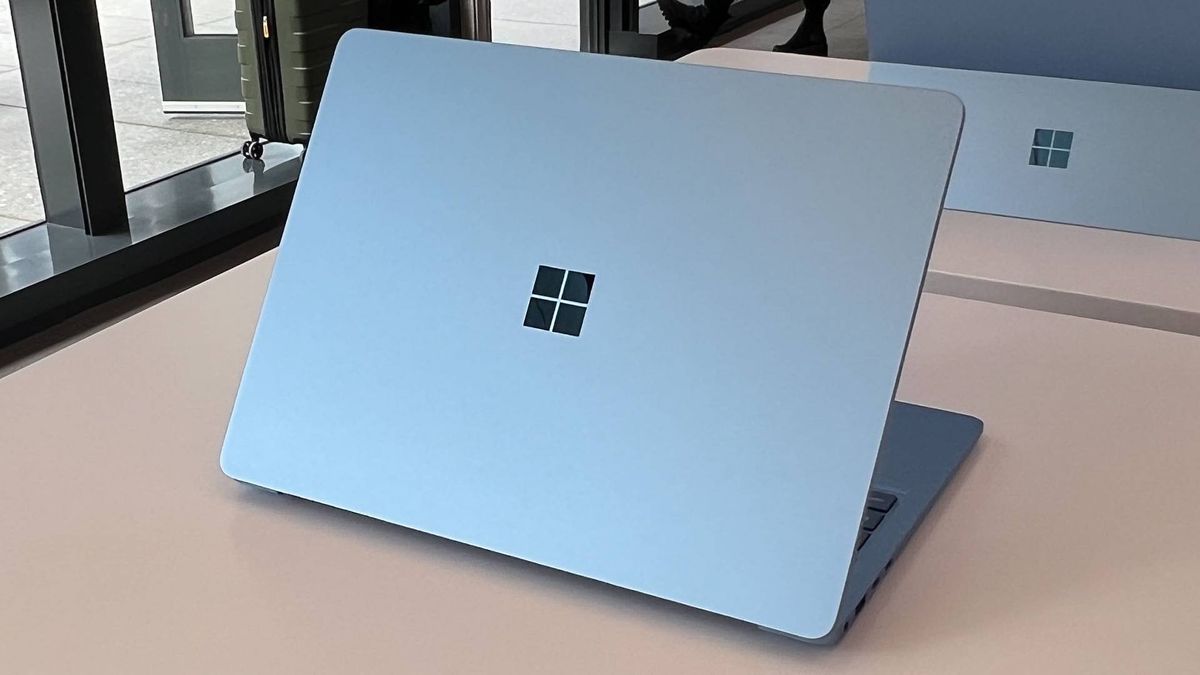
Surface Laptop 7

(Image credit: Future)

If you’re not a gamer and mainly use a laptop for work and media, my recommendations remain the same as they have for the past few years.

8GB is a solid minimum to shoot for – unless you’re using a Chromebook, in which case 4GB is sufficient thanks to ChromeOS optimizations. 16GB is better if you push the limit on open Chrome tabs or run heavier programs like Photoshop. You may need 24GB if your job involves video editing or working with LLMs.

Anything more than that is a superfluous cherry on top.

How Much RAM Do I Have?

If you want to find out how much RAM you currently have in your system, it’s quick and easy – here’s how.

  • For Windows 10 and 11, open the Windows Start menu from your taskbar (or by clicking the Windows button on your keyboard). Then, type in “About your PC.” Your RAM is shown under “Installed Memory.”
  • For macOS, click the Apple icon at the top left of your screen, then select “About this Mac.” Your RAM is displayed by “Memory.”

This is also where you can see your CPU, GPU, device model, and operating system version.

To see how much of your RAM is currently in use on a Windows machine, open Task Manager (right-click the taskbar and select “Task Manager”), then go to the Performance tab (second option in the left-side navigation).

On macOS, open the Spotlight search bar (Command + Space), then type in “Activity Monitor.” Click the Memory tab in the top navigation bar to view your current RAM usage.

This is a good way to see if your usage habits bump into the higher end of your total installed memory, which is an indication that it may be time for an upgrade.
RAM against a white background

The best DDR5 RAM for all budgets

For more in-depth insights about how much RAM you actually need for your gaming system, consider checking out the full details Here.

Image Credit: www.techradar.com

You Might Also Like

Samsung Galaxy Book6 Ultra: The Ultimate Windows Laptop Experience

“Trade In Your Old Apple Devices for Big Savings at Best Buy”

“Google Chrome Slowdowns Make Asus Vivobook 16’s Low Price Irresistible”

Apple’s Rumored Affordable MacBook May Conquer RAM Crisis

M5 Pro and M5 Max MacBook Pros Coming Soon with Major Changes

Share This Article
Facebook Twitter Copy Link Print
Previous Article “Santa Tracker Live: Join Us in Tracking Santa Online!” “Santa Tracker Live: Join Us in Tracking Santa Online!”
Next Article Garmin Vivoactive 6 Hits Record Low Price on Amazon Garmin Vivoactive 6 Hits Record Low Price on Amazon
Leave a comment

Leave a Reply Cancel reply

Your email address will not be published. Required fields are marked *

Product categories

  • Computer & Accessories
  • Headphones
  • Laptops
  • Phones
  • Wearables

Trending Products

  • 1080P Body Camera: Compact, Durable & Action-Ready Cam! 1080P Body Camera: Compact, Durable & Action-Ready Cam! $52.99 Original price was: $52.99.$49.99Current price is: $49.99.
  • HP Chromebook 14″ – Power & Style in Chalkboard Gray! HP Chromebook 14" - Power & Style in Chalkboard Gray! $262.98 Original price was: $262.98.$249.95Current price is: $249.95.
  • Frewico Bluetooth Speaker Watch: Music On the Go! Frewico Bluetooth Speaker Watch: Music On the Go! $19.99
  • Boost Productivity with Acer TravelMate P4: Ryzen 5, 32GB RAM! Boost Productivity with Acer TravelMate P4: Ryzen 5, 32GB RAM! $747.97 Original price was: $747.97.$549.99Current price is: $549.99.
  • Accutime Kids JoJo Siwa Smart Watch: Fun Learning & Selfies! Accutime Kids JoJo Siwa Smart Watch: Fun Learning & Selfies! $23.58

You Might also Like

“RAM Crisis? Choose a Pre-Built PC Solution Today!”
Computers

“RAM Crisis? Choose a Pre-Built PC Solution Today!”

Admin Admin 4 Min Read
Top 8 Laptop Deals from Best Buy’s Presidents’ Day Sale
Computers

Top 8 Laptop Deals from Best Buy’s Presidents’ Day Sale

Admin Admin 2 Min Read
“Acer Unveils Laptops, Displays, and a Gaming E-Scooter at CES 2026”
Computers

“Acer Unveils Laptops, Displays, and a Gaming E-Scooter at CES 2026”

Admin Admin 4 Min Read

About Us

At The Tech Diff, we believe technology is more than just innovation—it’s a lifestyle that shapes the way we work, connect, and explore the world. Our mission is to keep readers informed, inspired, and ahead of the curve with fresh updates, expert insights, and meaningful stories from across the digital landscape.

Useful Link

  • Shop
  • About
  • Contact
  • Terms & Conditions
  • Privacy Policy

Categories

  • Computers
  • Phones
  • Technology
  • Wearables

Sign Up for Our Newsletter

Subscribe to our newsletter to get our newest articles instantly!

We don’t spam! Read our privacy policy for more info.

Check your inbox or spam folder to confirm your subscription.

The Tech DiffThe Tech Diff
Follow US
© Copyright 2022. All Rights Reserved By The Tech Diff.
Welcome Back!

Sign in to your account

Lost your password?